Wordpress Onboarding Wizard

WordPress Onboarding Wizard
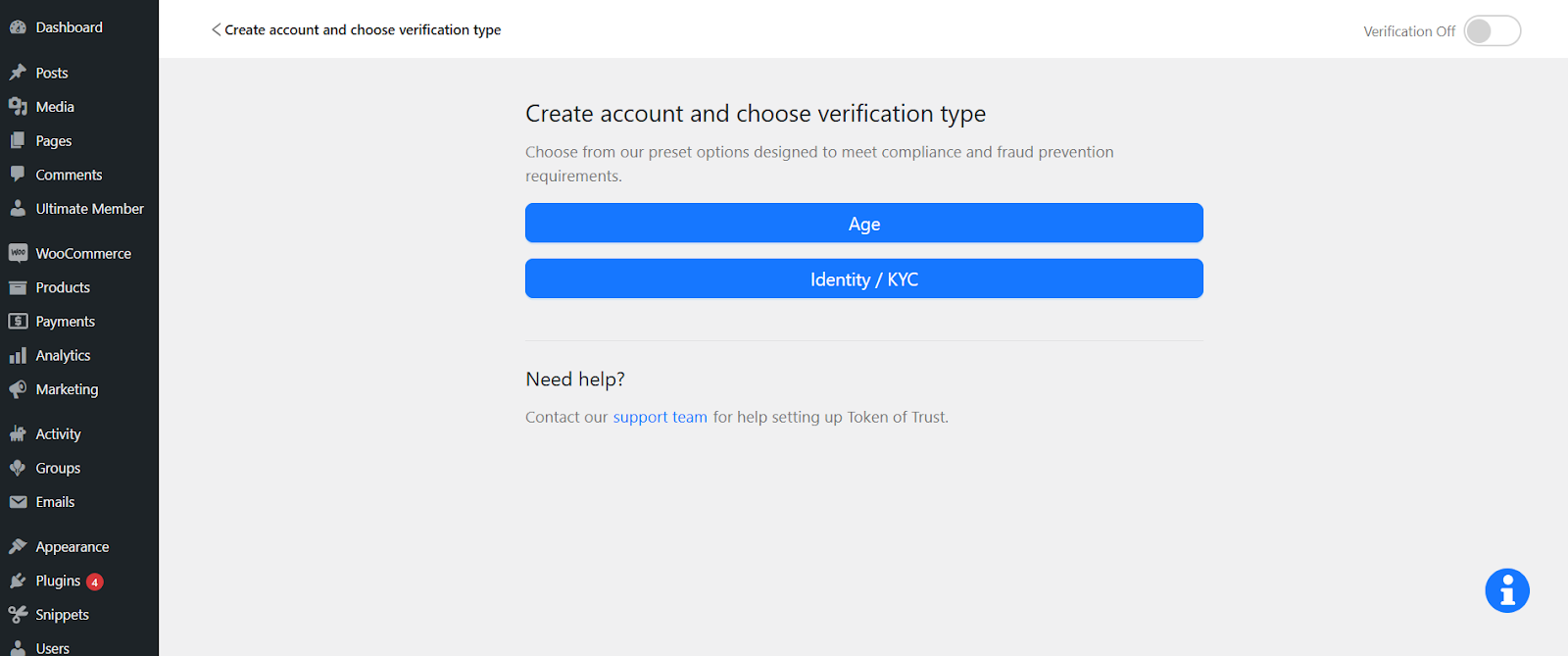
The WordPress onboarding wizard lets users who just installed the TOT plugin on their site sign up for new API keys in TOT and go through a consultative plan with the nav bar. Then, they are automatically redirected back to WordPress where they see a modal asking them to click a button that lets them complete their integration.


Click on the ‘Create Account’ button and you will be redirected to the TOT registration page. Create a New TOT account for the integration.


Now, You will be redirected to the WP get started page. And you will see the banner saying that you are on the Trail version.

In order to purchase the plan click on the ‘Choose a plan’ button. You will be landed on HQ available plans page.


When they click ‘submit’, they see a notification saying their new subscription was created.
