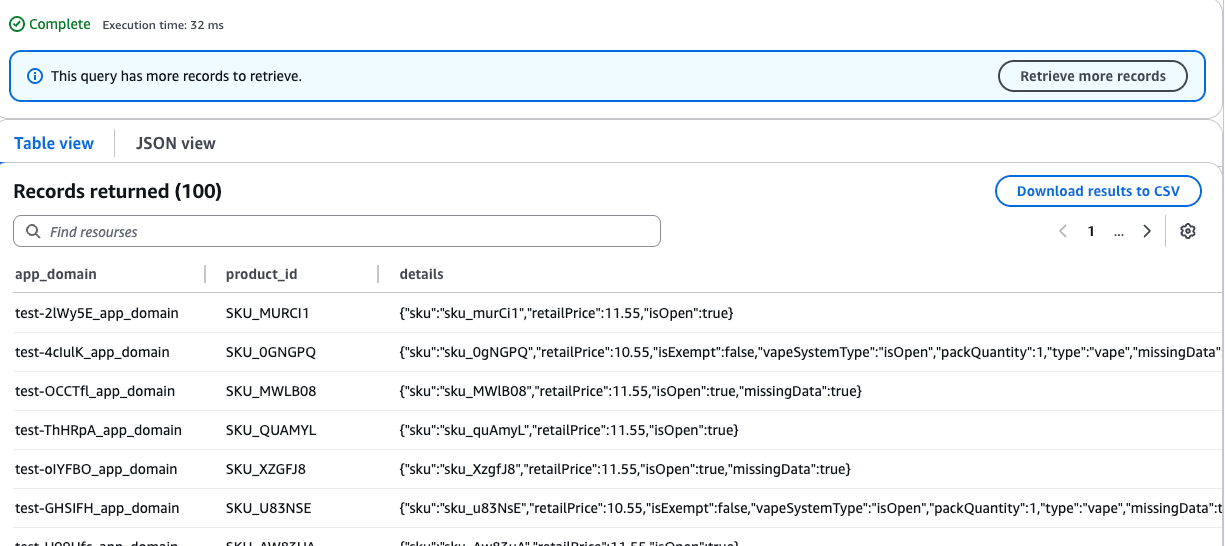
Querying AWS Keyspaces
Tables in AWS Keyspaces can be queried from the AWS console.
Login to AWS and navigate to: https://us-east-1.console.aws.amazon.com/keyspaces/v2/home?region=us-east-1#keyspaces
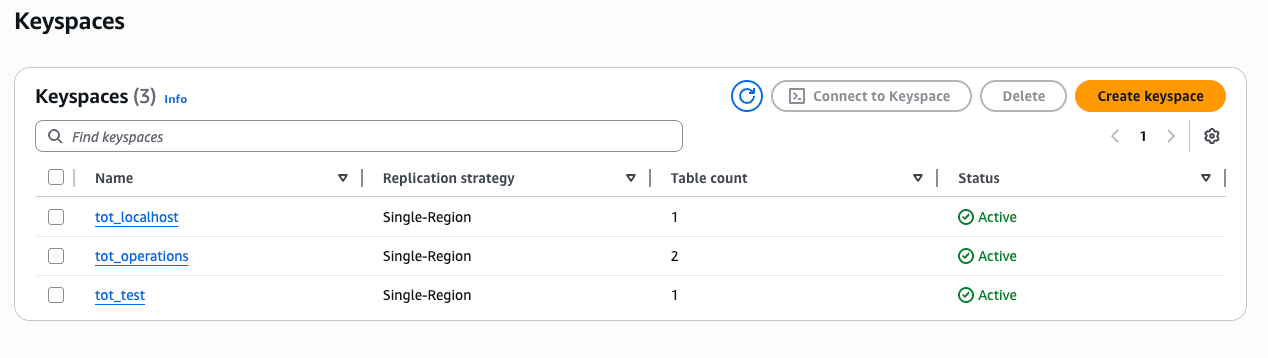
Select the appropriate keyspace (tot_test for test environment, tot_production for production, etc).
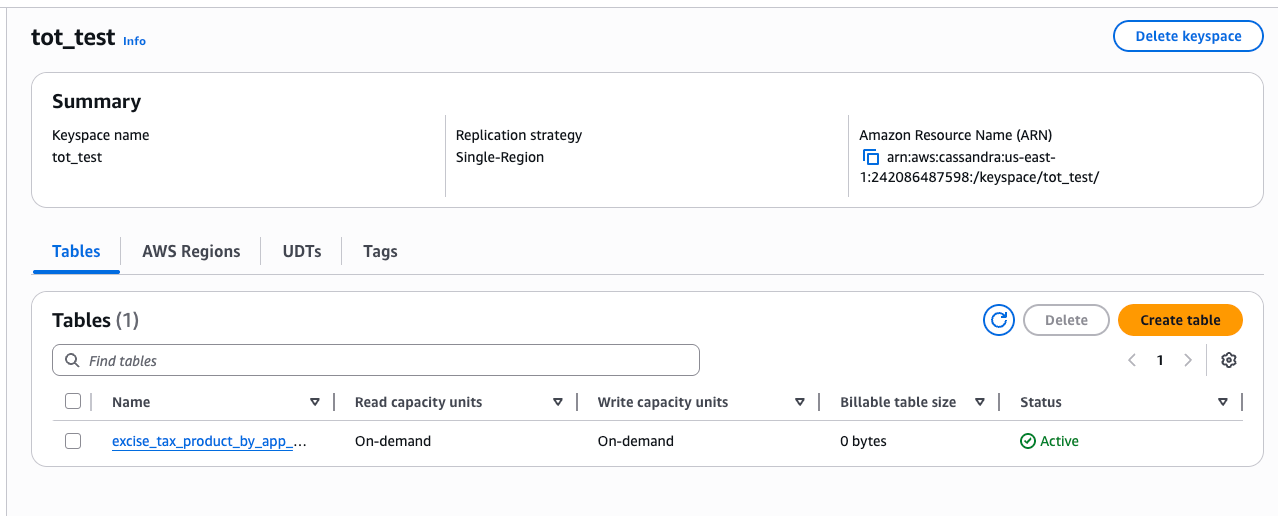
Select the appropriate table.
Select Query Table from upper right.
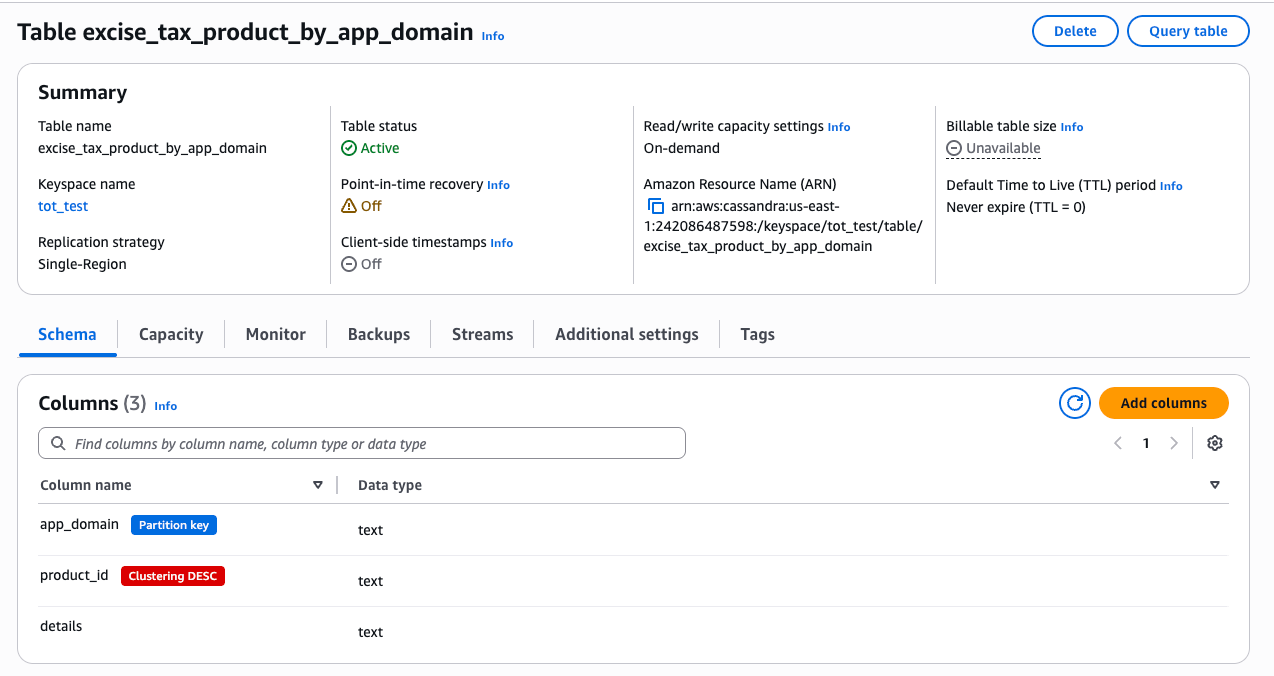
Enter the CQL you wish to run and click run command.
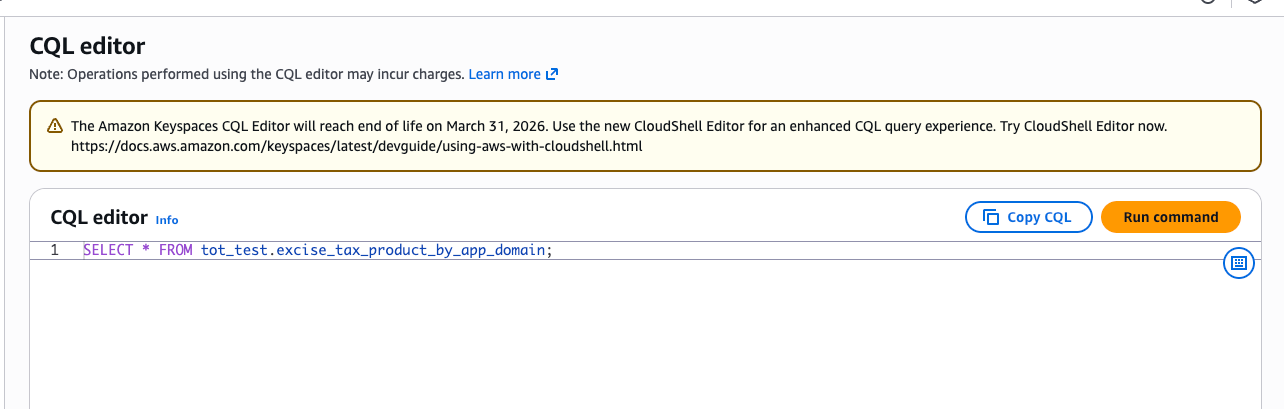
Results will be displayed at bottom of page.