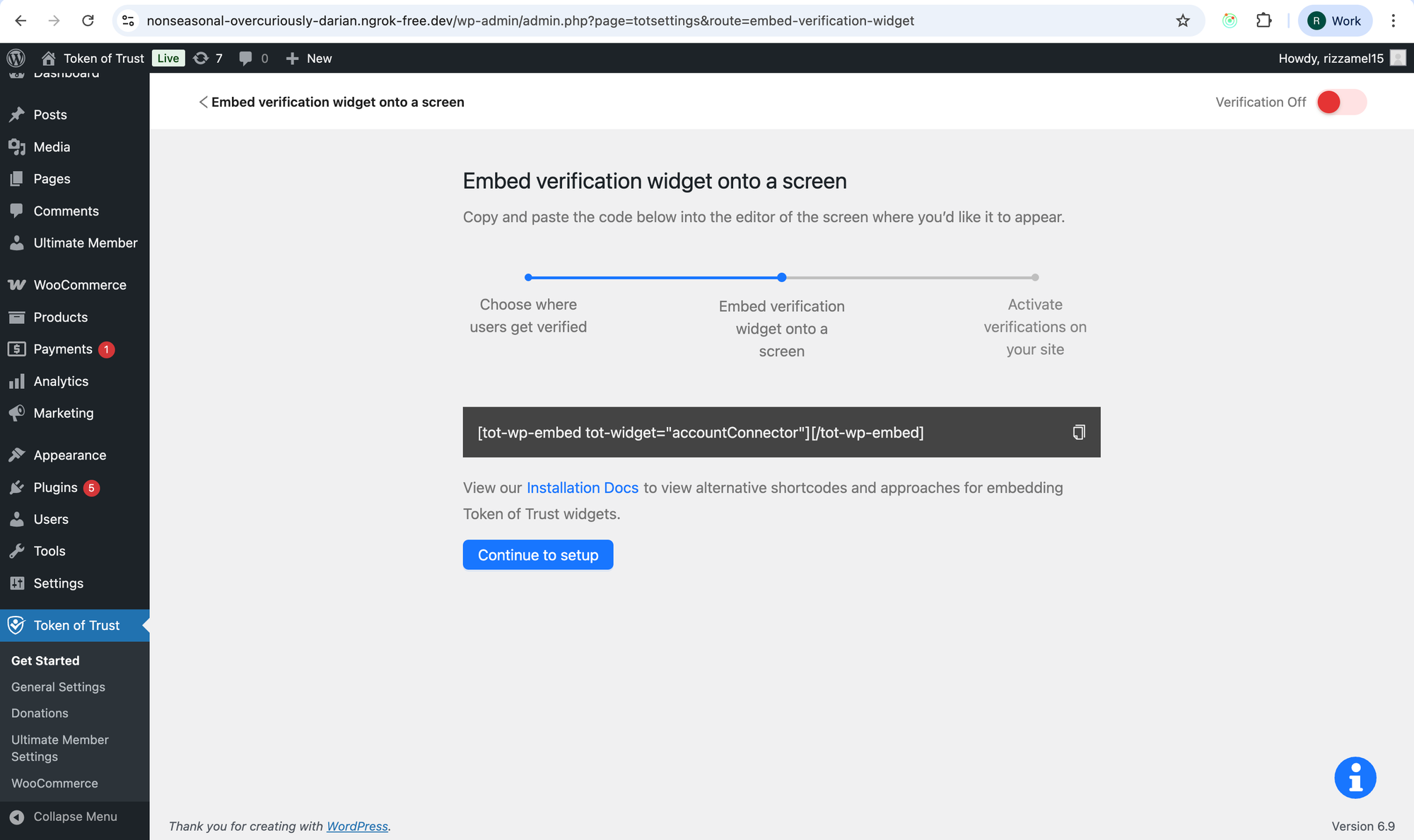
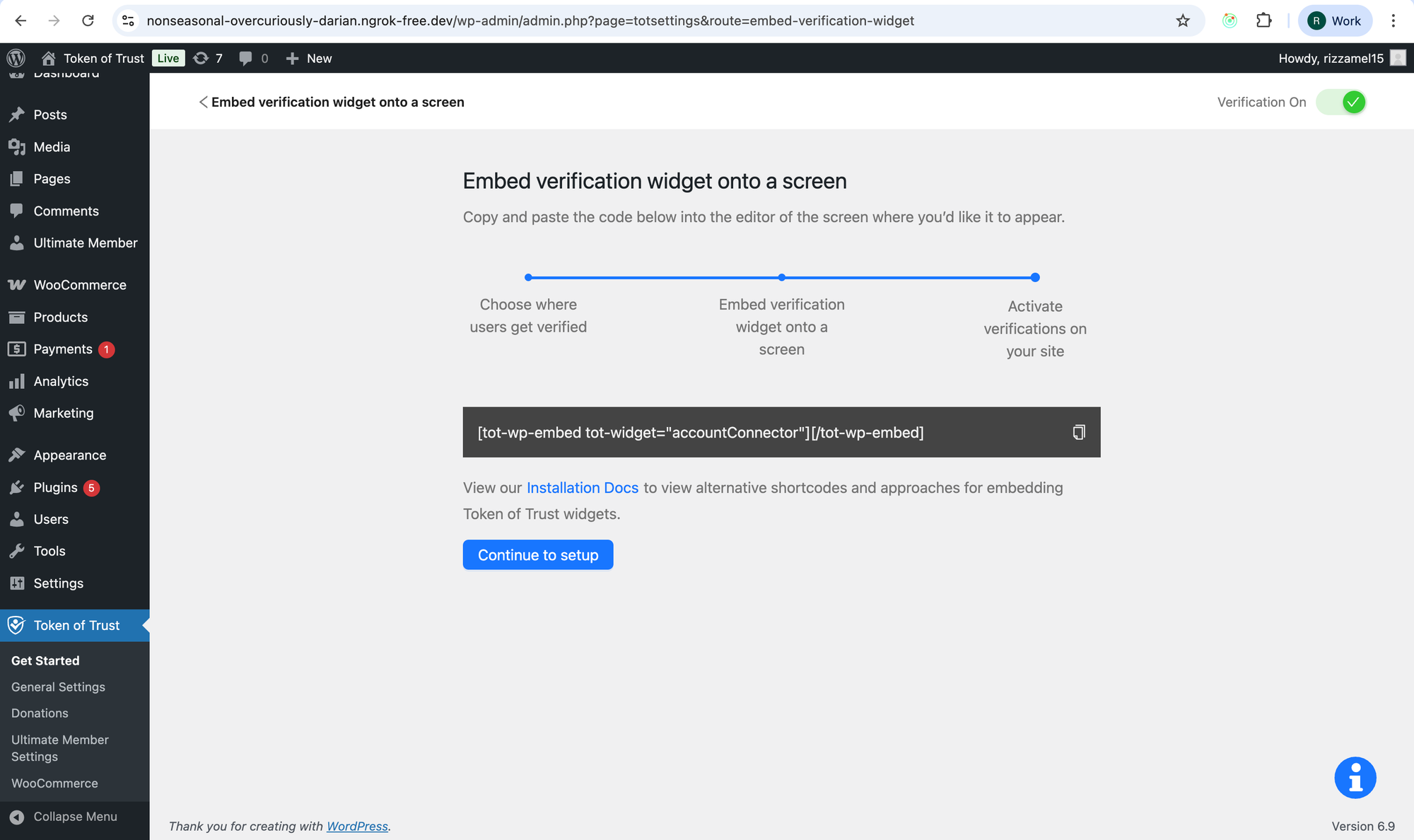
New Feature — Show User Progress During WordPress Onboarding

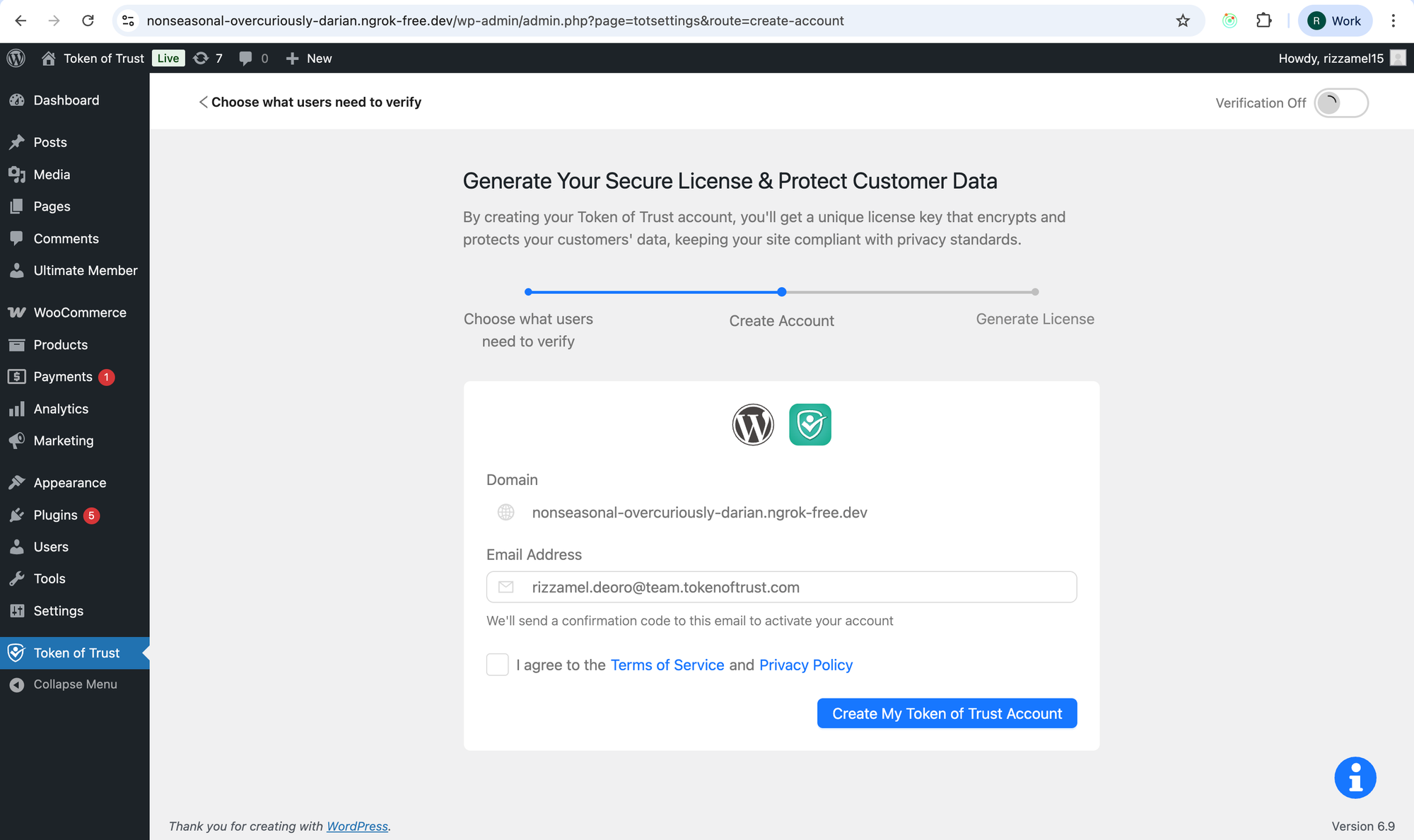
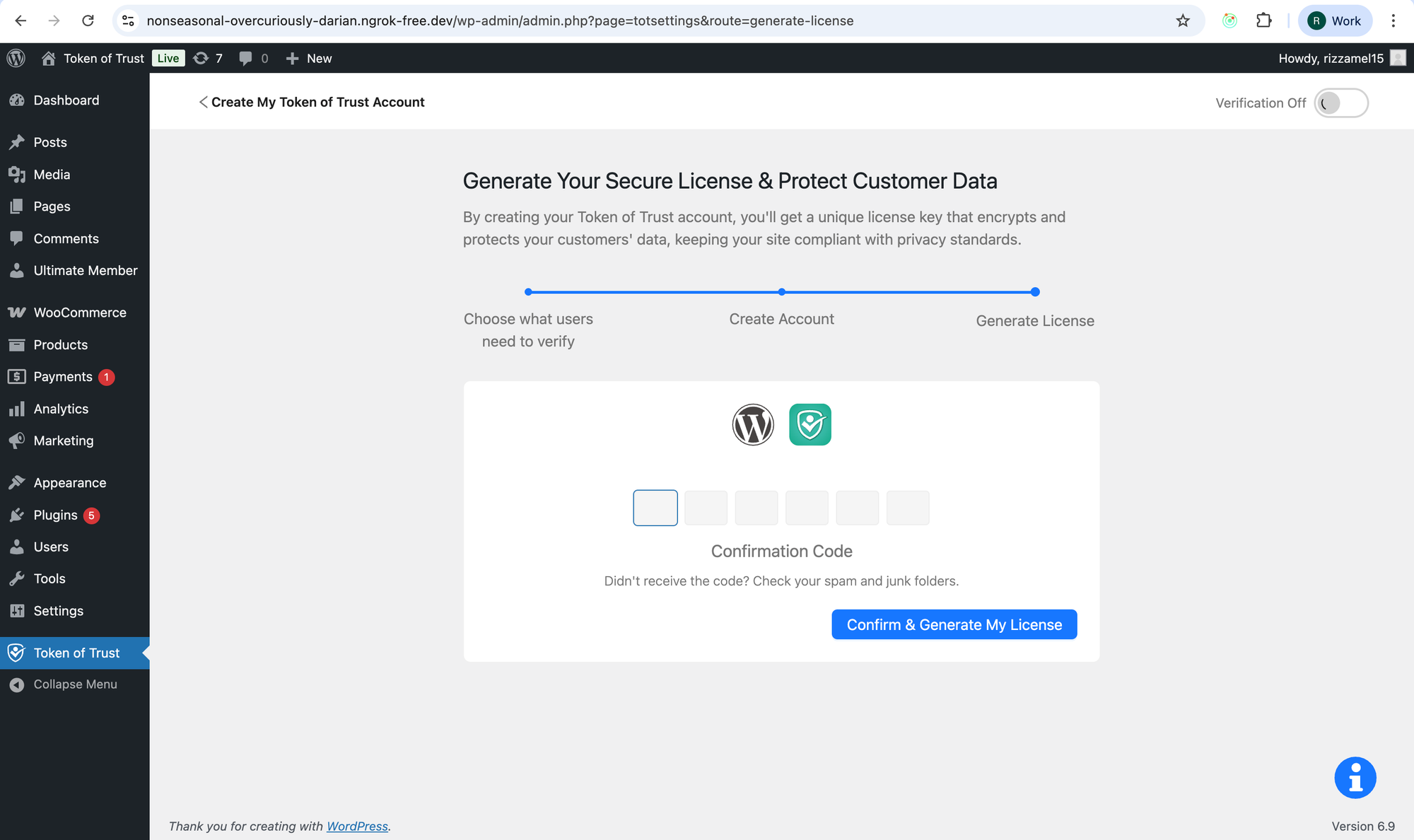
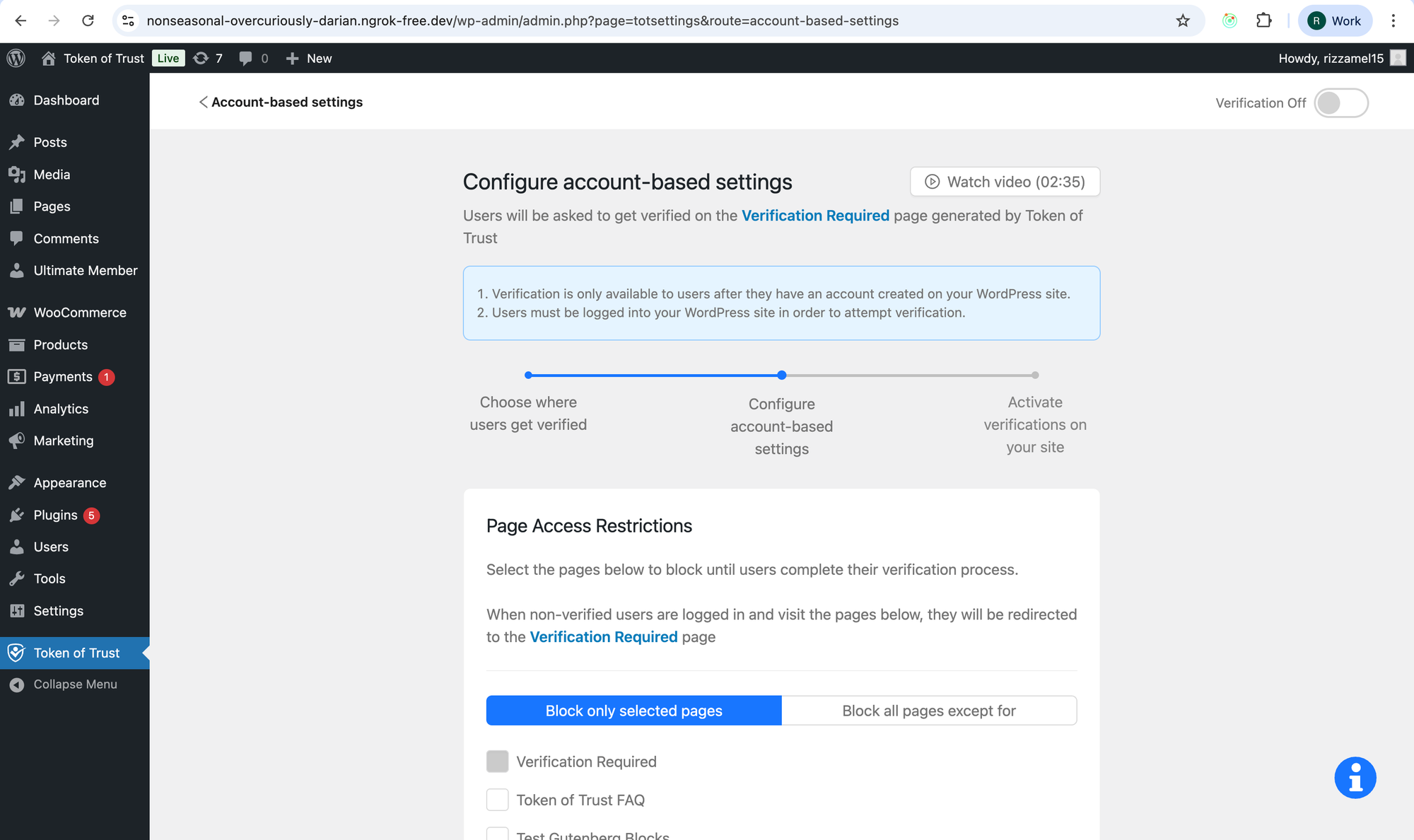
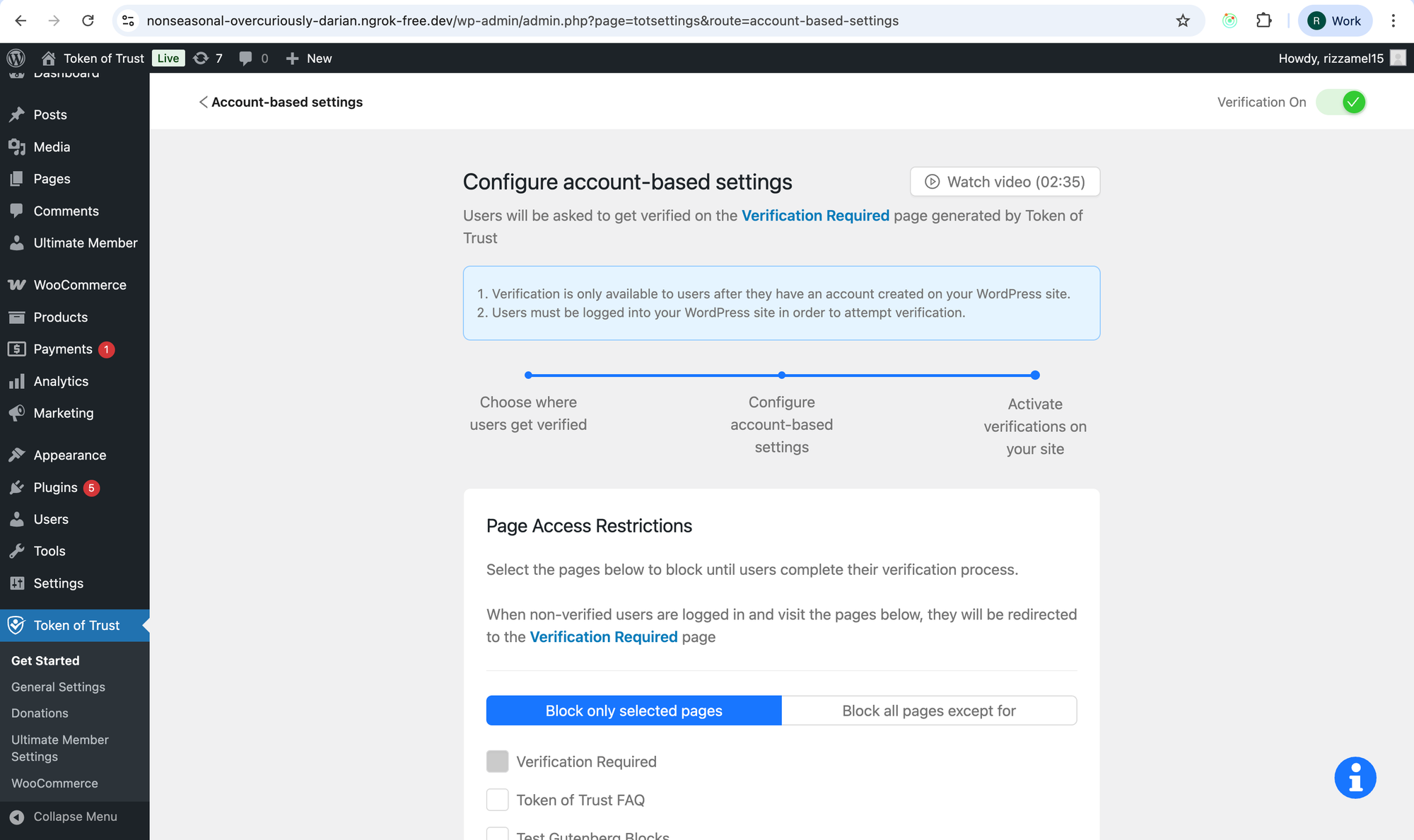
Enhance the WordPress onboarding experience by clearly displaying users’ progress at each step, helping them understand where they are and what’s next.

Create account and choose verification type
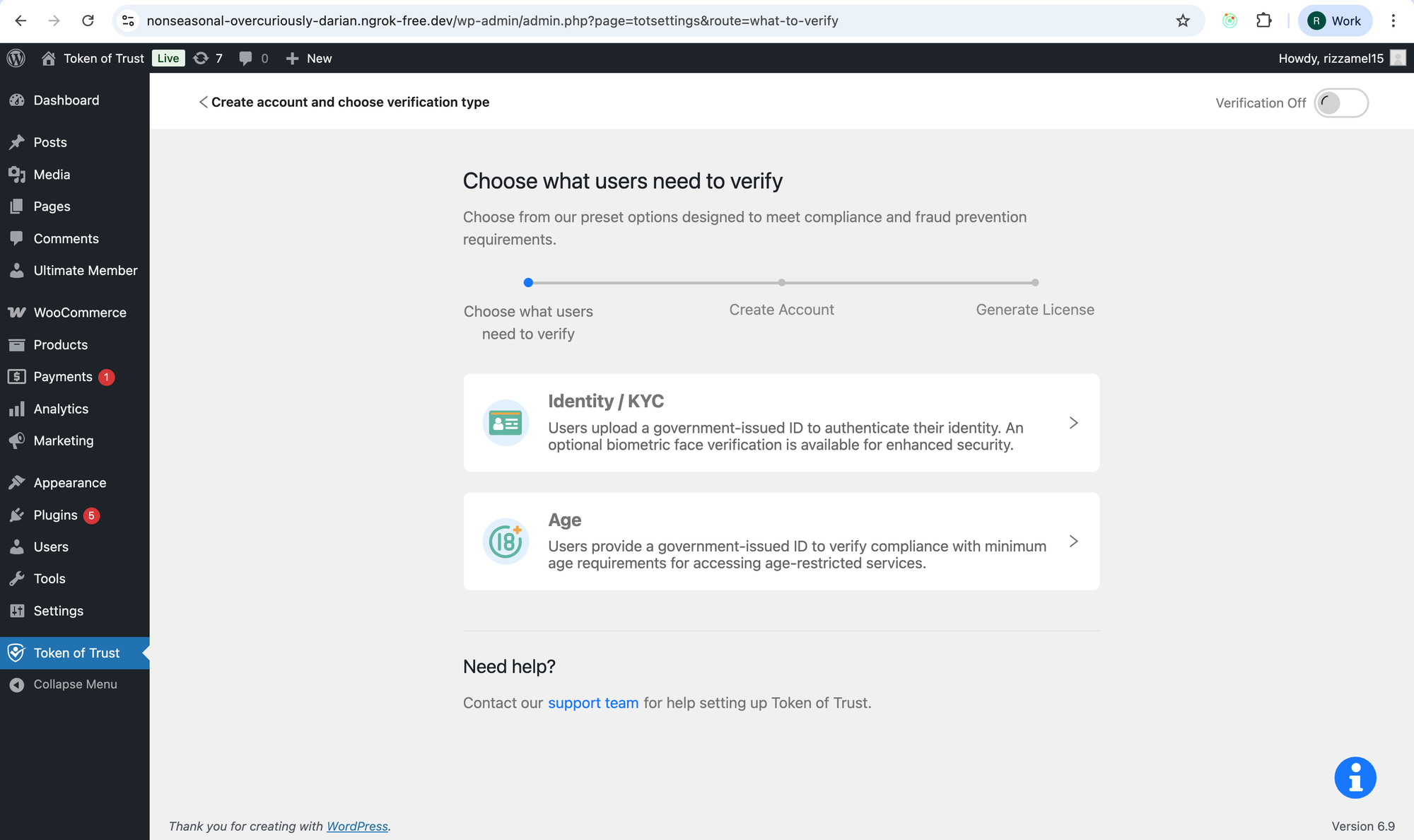
Step 1: Choose what users need to verify
Step 2: Create Account
Step 3: Generate License

Choose verification placement

If the current selection is “When users create an account”
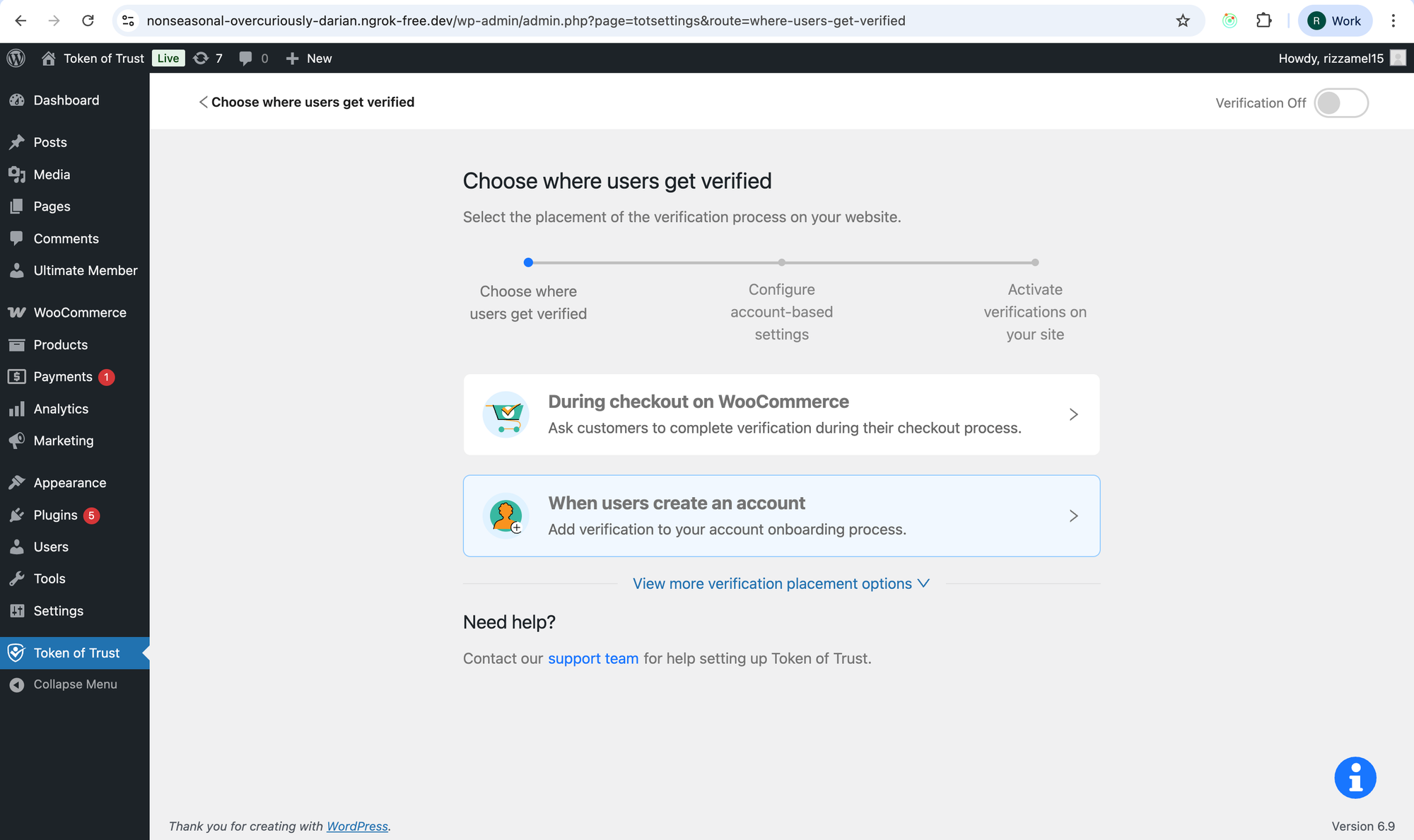
Step 1: Choose where users get verified
Step 2: Configure account-based settings
Step 3: Activate verifications on your site

If the current selection is “Embed on a dashboard”
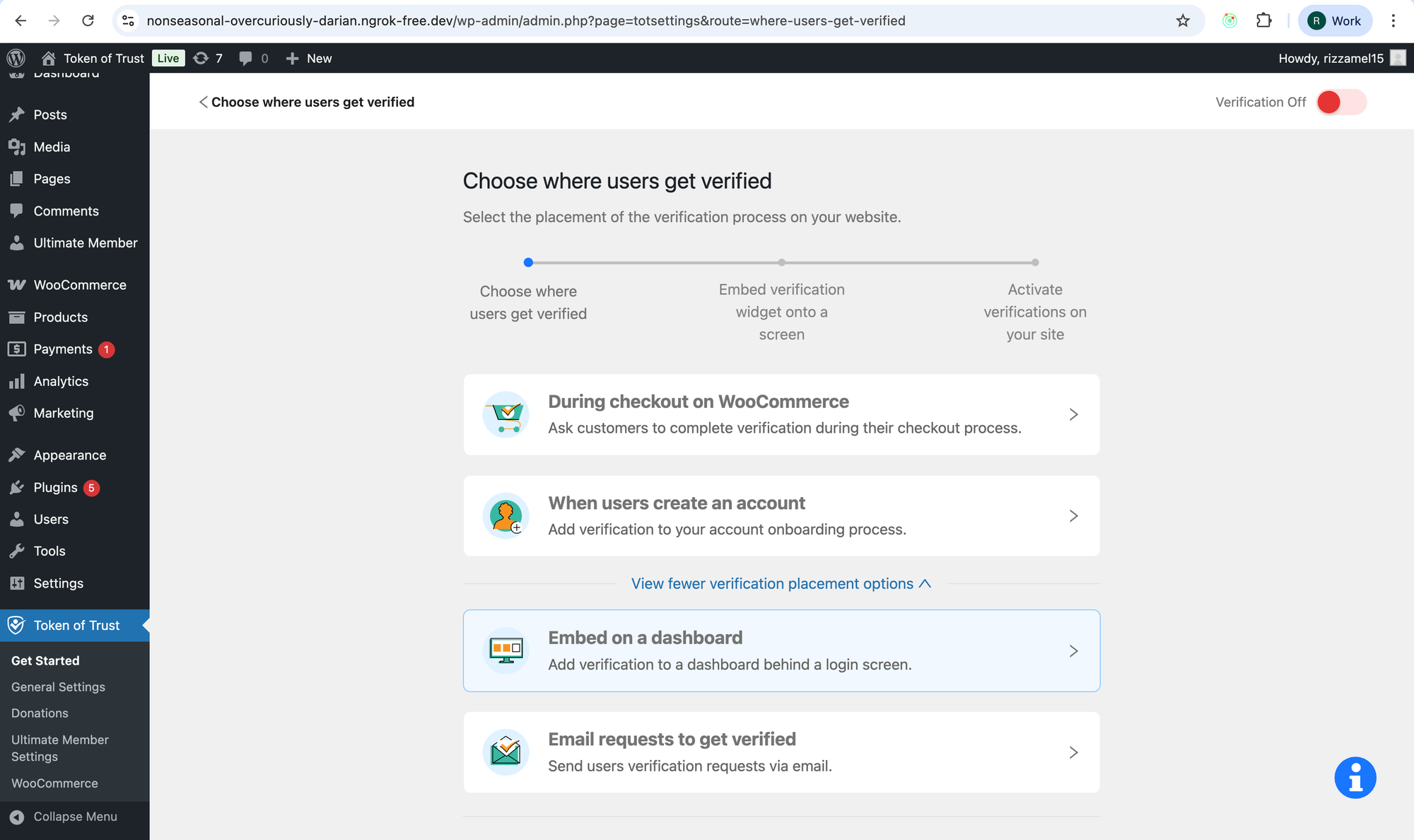
Step 1: Choose when users are verified
Step 2: Embed verification widget onto a screen
Step 3: Activate verifications on your site

Read more

How do you setup identity or age verification so that only certain locations need to get verified?

Answer: Use Location-Based Identity Verification. This is enabled via the locationRestrictions.requiresVerification attribute in your application configuration to define which countries and regions require verification. Summary Token of Trust now supports location-based verification requirements through the locationRestrictions configuration. This feature allows you to specify which geographic locations (countries and regions)

By darrin