Internal API: clientConfig - Configuration API
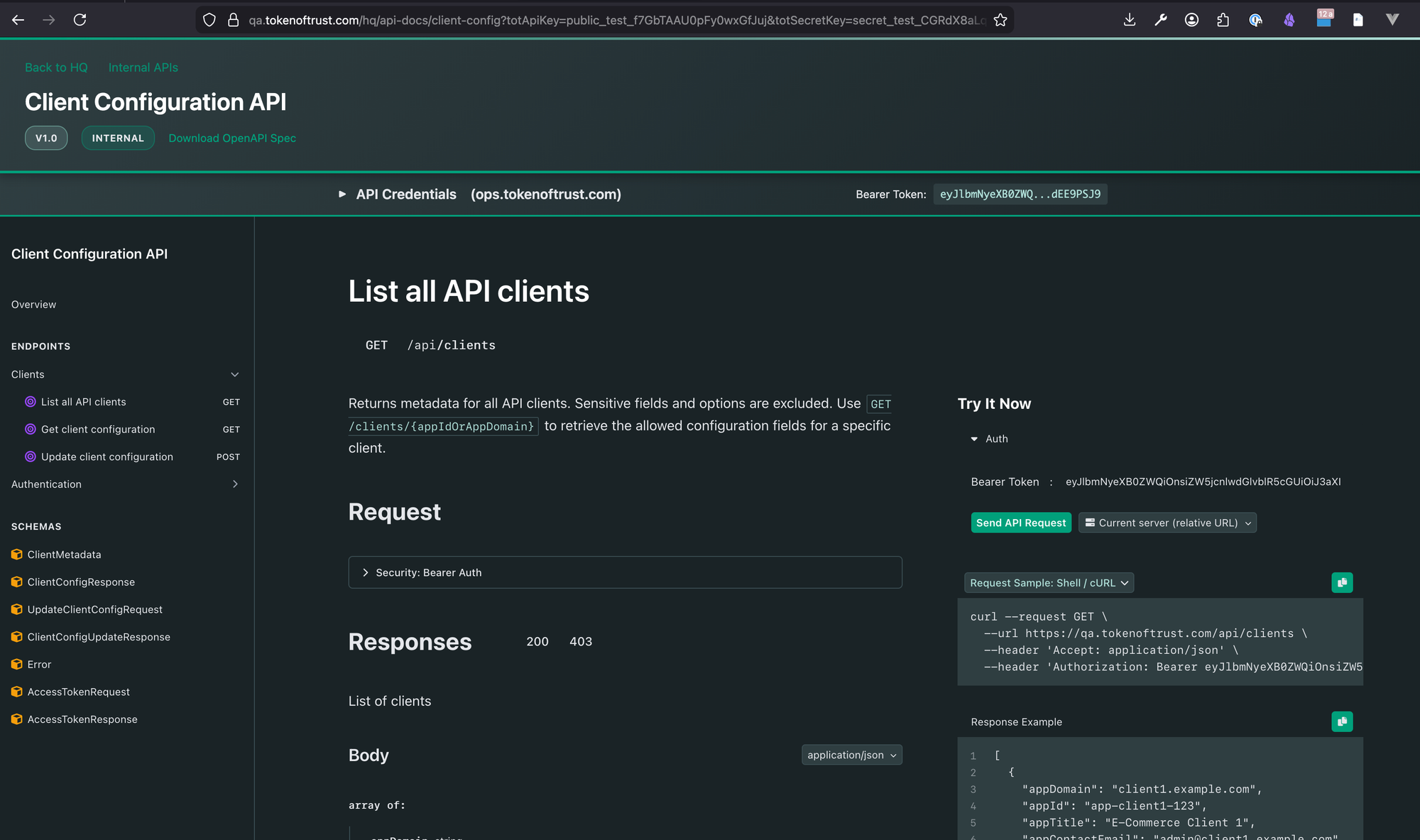
Client Configuration API
Video Walkthrough
Watch: Using the API Docs to Access Client Configuration (link to video)
This walk-through demonstrates how to navigate the embedded API documentation to discover and test the Client Configuration API endpoints.
Note that we've made some improvements since the video was made the documentation will be up to date with the given endpoint (qa, test, production per below).
Once this is deployed you will be able to navigate to the documentation directly:
- Production: https://app.tokenoftrust.com/hq/api-docs/client-config?result=success#/operations/getClients
- Test: https://test.tokenoftrust.com/hq/api-docs/client-config?result=success#/operations/getClients
- QA: https://qa.tokenoftrust.com/hq/api-docs/client-config?result=success#/operations/getClients
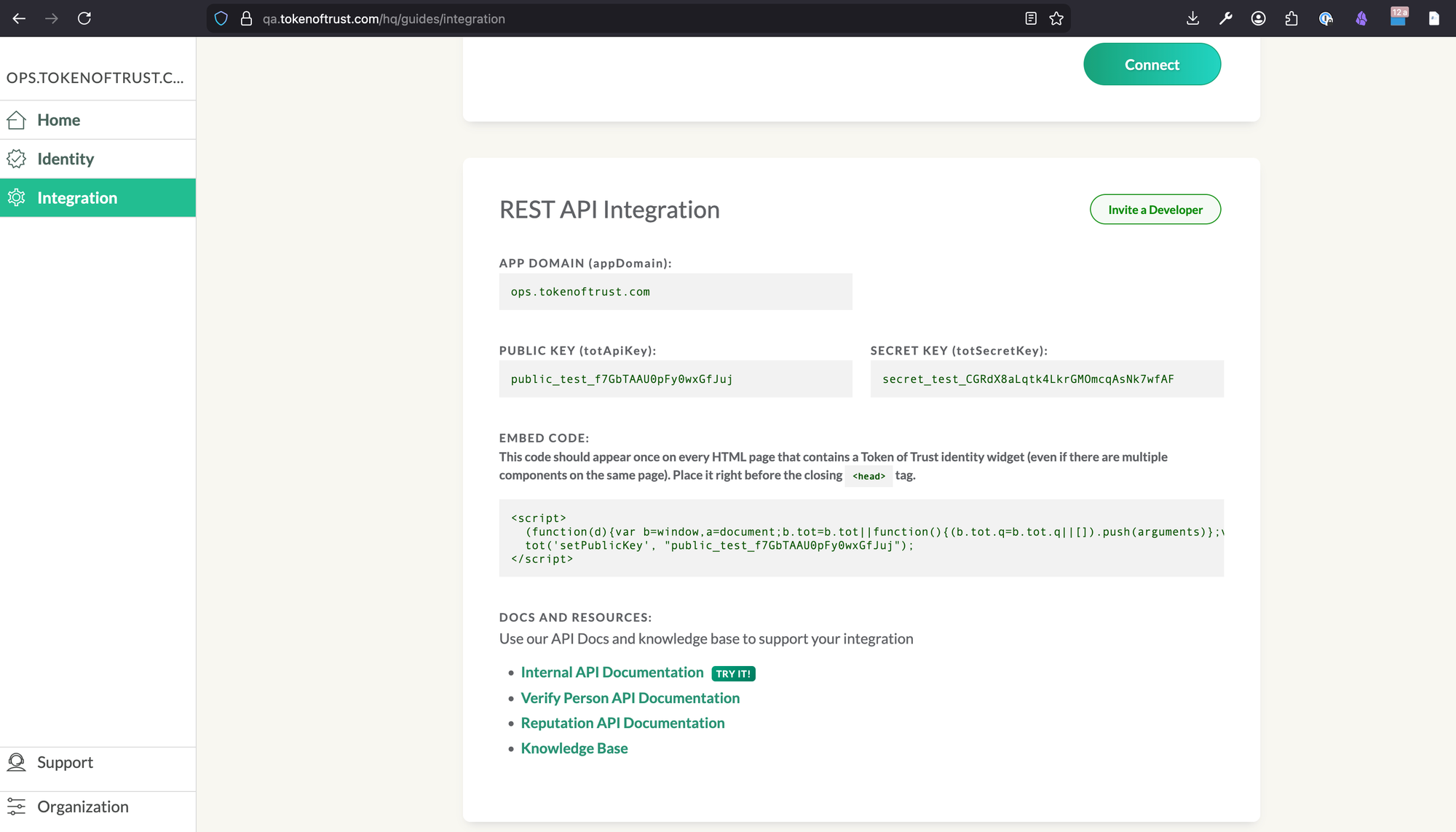
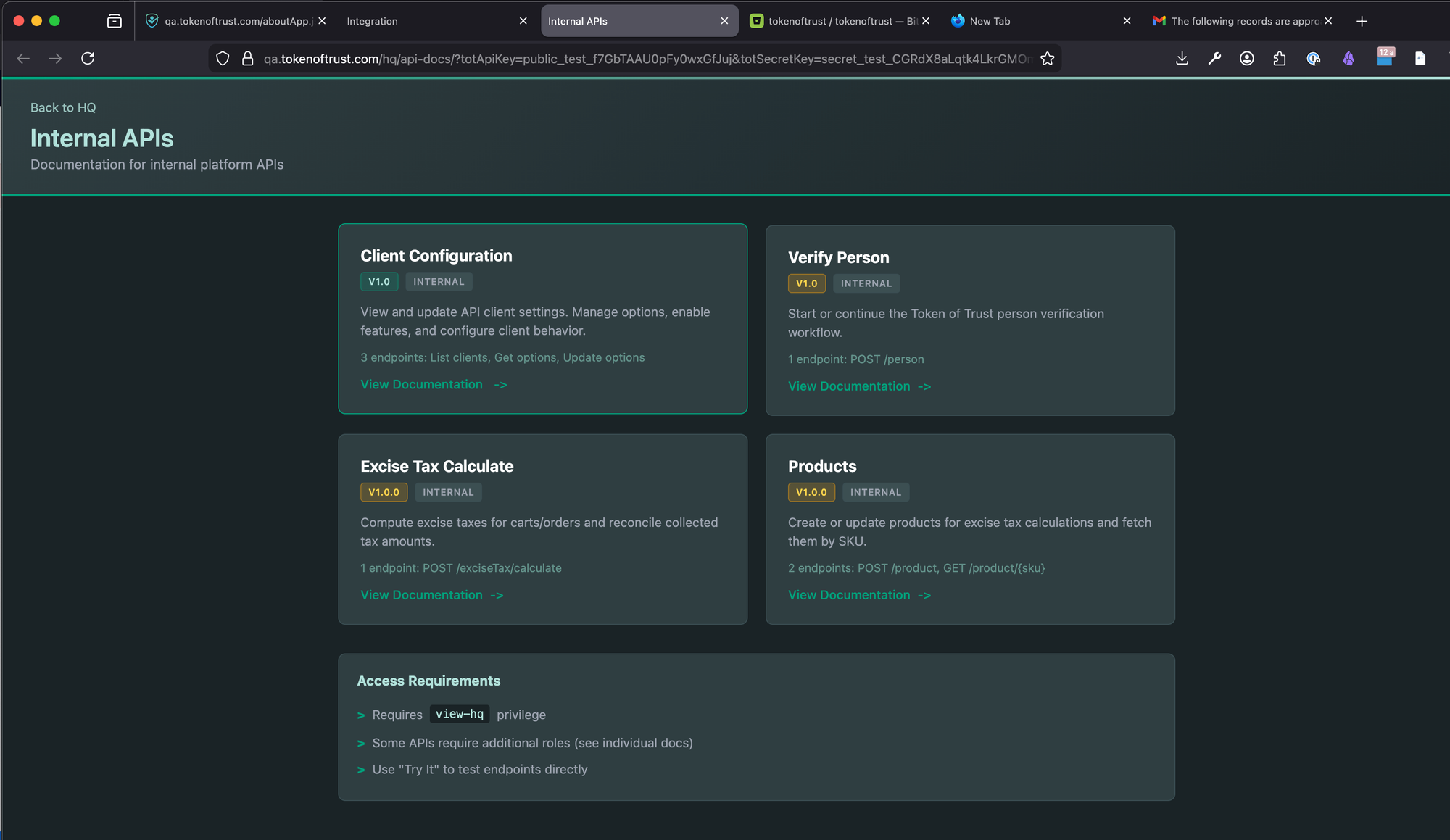
You can also get there by navigating through the Integration page (Click 'Internal API Documentation TRY IT!') see the images below:
Overview
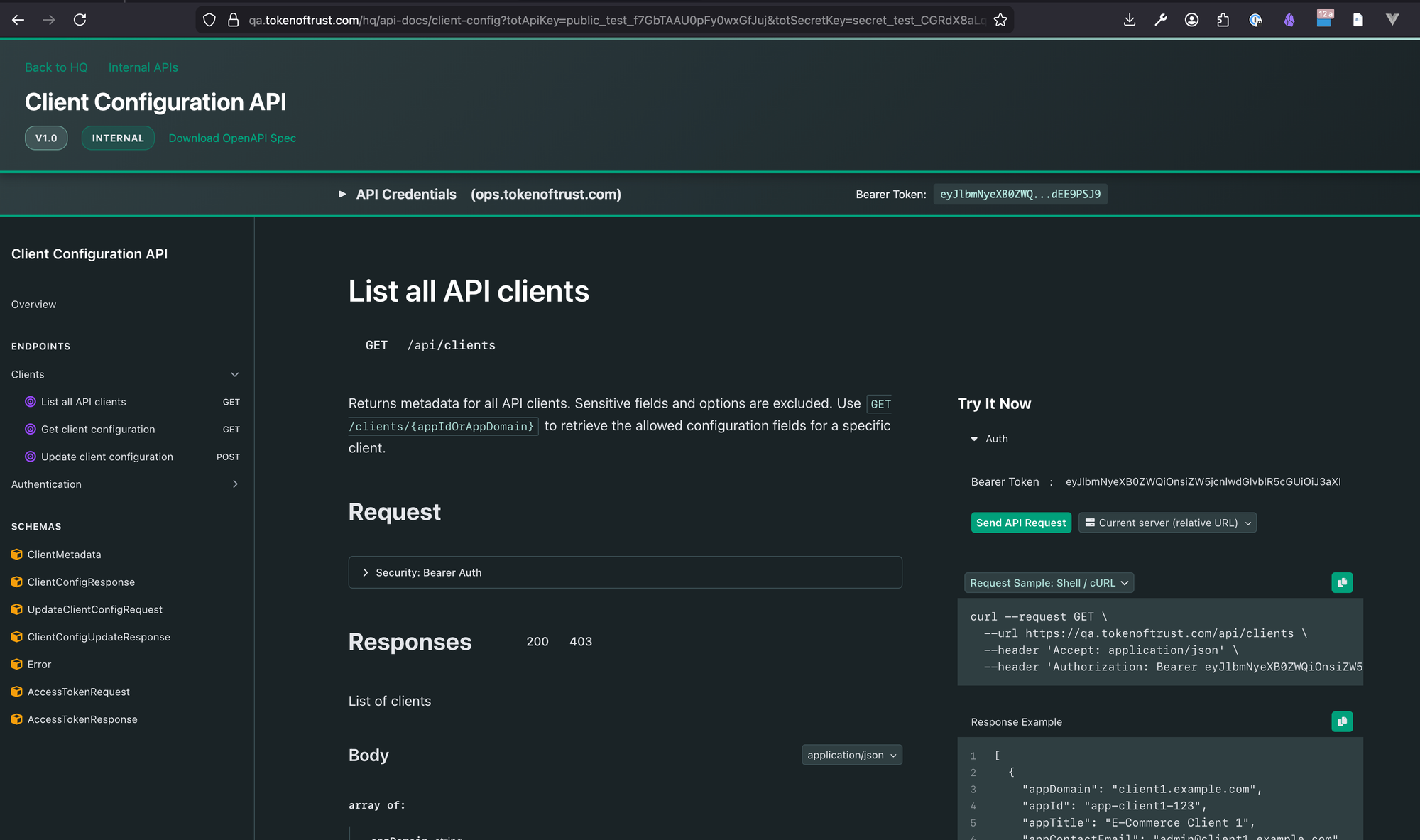
The Client Configuration API enables license key managers to securely read and update client configuration settings without exposing sensitive credentials. This API provides:
- Read-only metadata for listing all clients
- Filtered configuration access showing only modifiable fields
- Safe updates with dry-run previews before committing changes
- Idempotency support for reliable retries
Required Permissions
| Permission | Description |
|---|---|
clientConfig:list |
List all clients (metadata only) |
clientConfig:get |
Read client configuration |
clientConfig:update |
Update client configuration |
These permissions are typically granted to users with the api:clientConfig role.
Endpoints Summary
| Method | Endpoint | Description |
|---|---|---|
| GET | /api/clients |
List all clients (metadata only) |
| GET | /api/clients/{id} |
Get client configuration (allowed fields only) |
| POST | /api/clients/{id} |
Update client configuration (dry-run by default) |
For detailed request/response schemas, parameters, and interactive testing, see the API Documentation Portal.
Modifiable Fields
Only the following fields can be read and updated via this API:
| Field Path | Type | Description |
|---|---|---|
accountSettings.freeTrialEndTimestamp |
number | Trial end timestamp (ms since Unix epoch) |
options.ecommerce |
object | E-commerce platform settings |
options.realWorld |
object | Real-world identity verification settings |
All other fields (including apiKey, secretKey, users, roles, etc.) are never exposed and cannot be modified.
Key Features
Dry-Run by Default
POST requests preview changes without saving. Add ?force=true to persist changes. This prevents accidental modifications.
Idempotency Support
Include an Idempotency-Key header for safe retries. Duplicate requests with the same key and body return the cached response without re-applying changes.
Schema-Aware Error Responses
When validation fails, error responses include the expected JSON schema to help you correct your request.
Security Notes
- Sensitive fields are never exposed:
apiKey,secretKey,apiKeys.*,users,roles,cipherMetadata, andinternalNotesare blocked - All changes are audit logged: Client ID, changed fields, old/new values, and modifier identity are recorded
- Cross-client access: License key managers can access multiple client configurations by design
API Documentation
For complete documentation including request/response examples, error codes, and interactive testing: