How do I get to snapshots of those that went through the verification process?

Released in April, 2025: Token of Trust 'snapshots' are now available to 'reviewers'. Snapshots are at key points in the verification process for plan levels that require additional compliance needs. They're typically taken when someone passes the verification process and stored for the legal basis duration as specified by the client.
Please note: this is only available to those who have "reviewer access". These users have undergone full criminal background checks to be able to get privileged access to information that users going through Token of Trust have consented to granting.
Here's how you get there:
First, navigate to https://app.tokenoftrust.com/hq/verification where you will see a list of people who have been through the verification process for your company:
Gates
If you're an administrator / supporter you can get to our gates, whether they matched the conditions and what reasons they depend upon. This is an early release but it should help you navigate a bit more quickly to see how gates depend upon reasons and why gates have been met or not.
Activity Log
The activity log table shows activities with the following:
- Metric - the name of the metric
- Timestamp - when the metrics was recorded.
- Delta - how much time passed between when this metric was posted and the one before it was posted.
The activity log has:
- filtering - allowing you to type a string which will then filter metrics to only those containing that substring (see below).
- sorting - only by Timestamp
- delta - the last column is the amount of time that passed (in ms, s, hours or days)
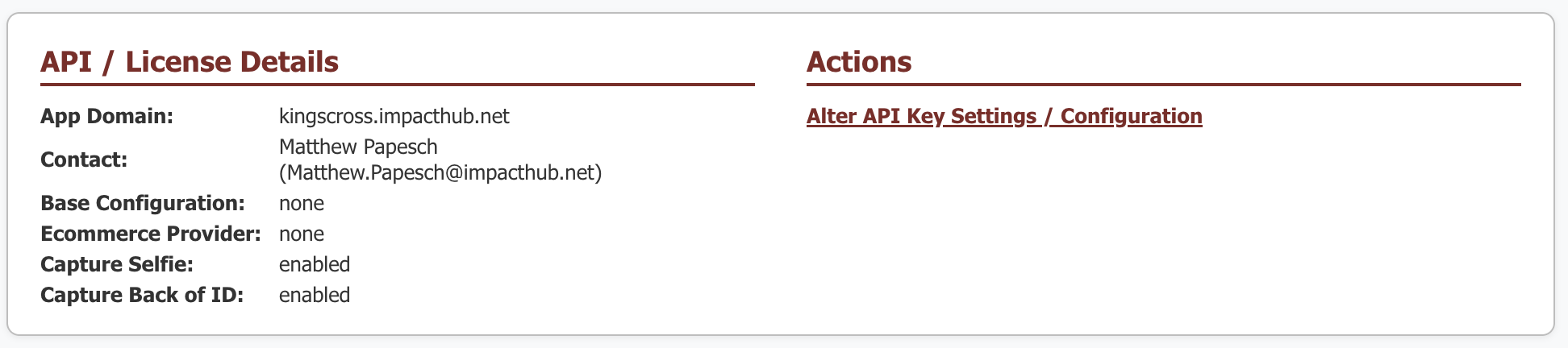
API / License Details
Shows basic information about the API key along with a link to get to the navigate to the apikey editor.