Audit to Sheets — Setup & Usage
Release Note:
All write operations now generate human-readable audit rows in a Google Sheet, making audit data quickly accessible to Ops without requiring a backend.
Context
Auditing changes to licenses and configurations required digging through logs or building a dedicated backend. With this feature, all writes are appended directly to a Google Sheet in a readable format. Ops teams can now view and analyze audit trails immediately.
How It Works
- Google Sheet Setup
- A sheet is prepared with the following headers:
timestamp | actorEmail | licenseId | action | beforeSummary | afterSummary | correlationId - This structure ensures each action is captured comprehensively and consistently.
- A sheet is prepared with the following headers:

- Writer Endpoint
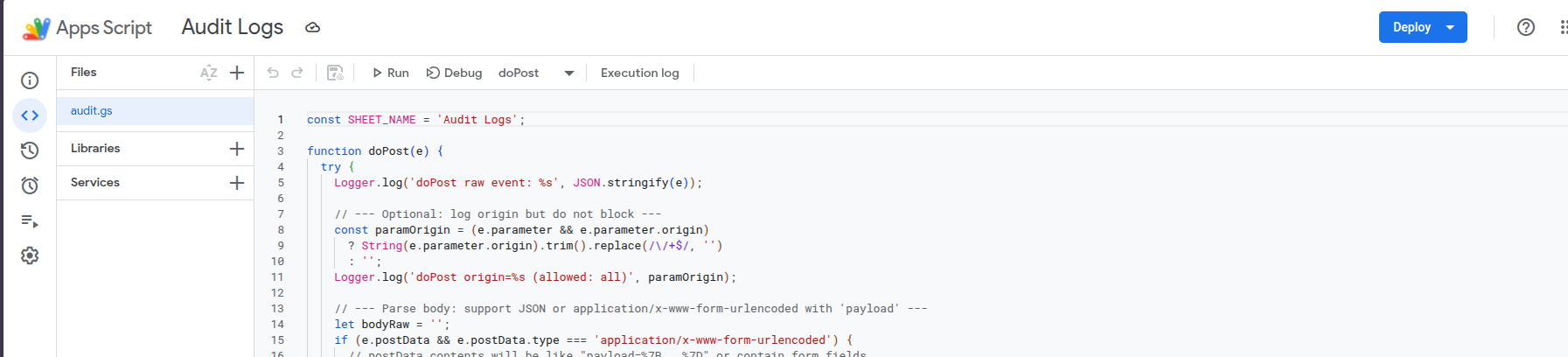
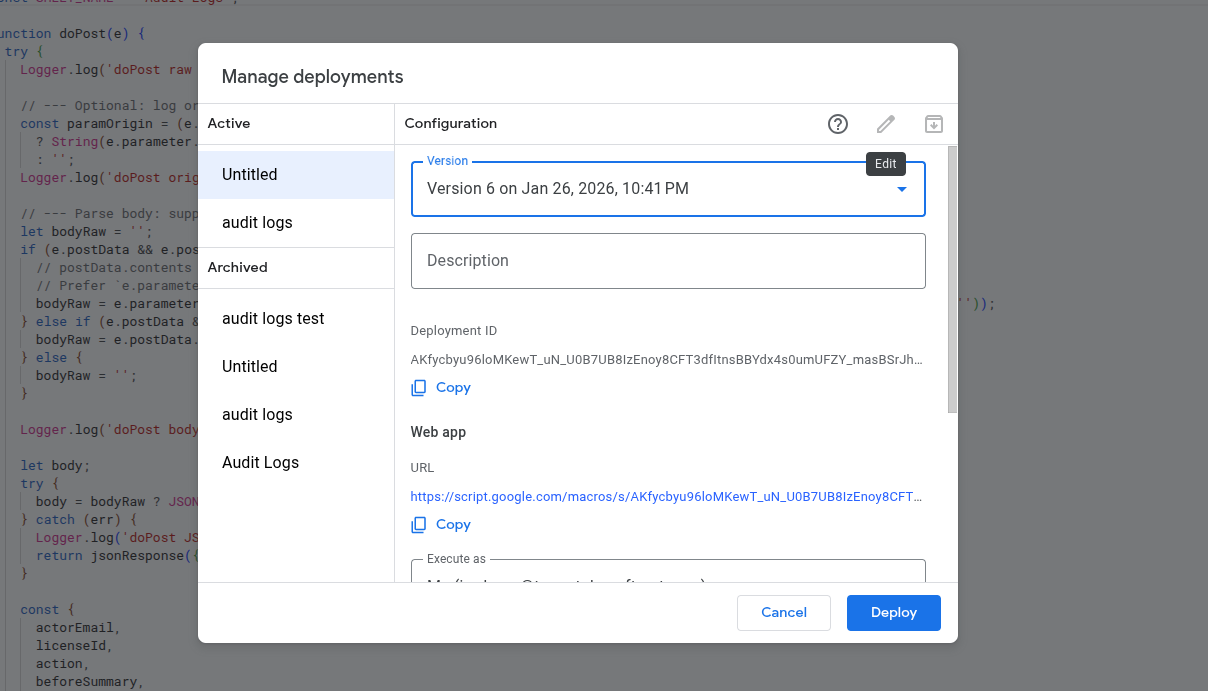
- A Google Apps Script Web App (or internal sheet relay) accepts POST requests and appends new rows.
- Security is enforced by limiting access to our domain or service account.